




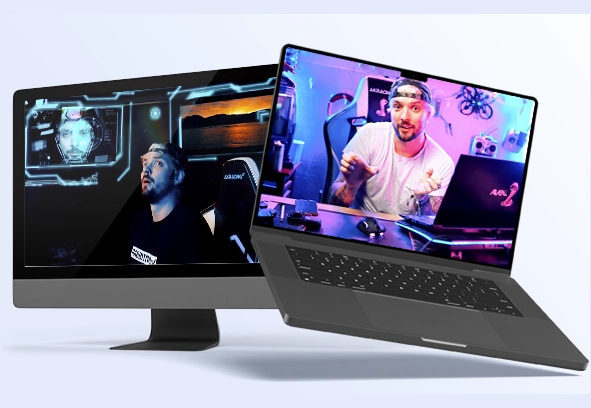












Go From Beginner to Confidently Editing Professional Videos in Premiere Pro

Learn the complete editing workflow through real projects, professional techniques, and hands-on exercises.

$99 | One-time payment • Instant access • 2 years of access

00000 00 4128798 1624612 340127 428 748921

Guilherme Rabbits

What you will find in the course Inside Editing for Beginners:

Our very first beginner-friendly course!

Recommended for anyone looking for the best content to enter the audiovisual market, or simply to learn as a hobby.

We teach, step by step, how we actually edit our films, through straight-to-the-point lessons.

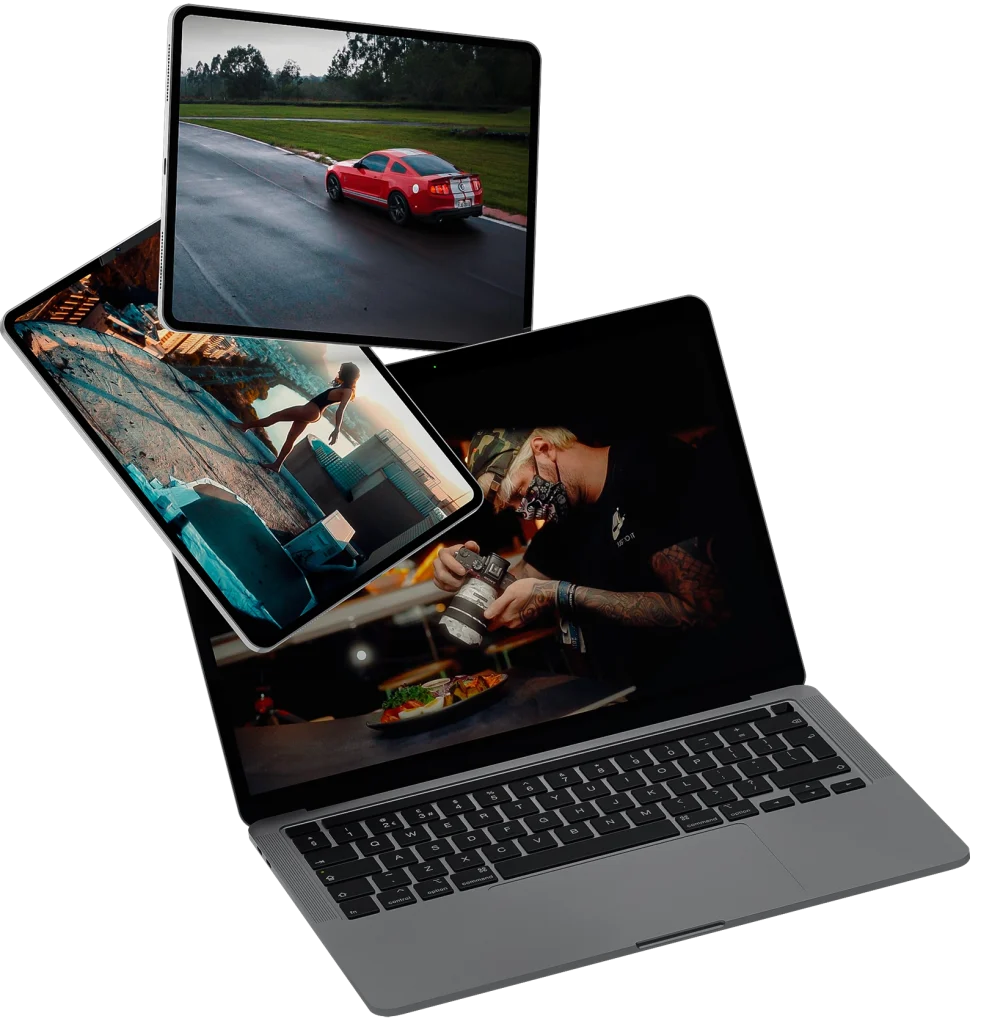
We created multiple real editing scenarios with hours of exclusive footage, so students can practice everything taught in the classes. When you purchase the course, you get 2 years of full access.

From Zero to Pro Editing It’s time for you to learn! Use the full power of Premiere Pro to create your videos.

Premiere Pro for beginners • Premiere Pro for beginners • Premiere Pro for beginners • Premiere Pro for beginners • Premiere Pro for beginners • Premiere Pro for beginners • Premiere Pro for beginners • Premiere Pro for beginners • Premiere Pro for beginners • Premiere Pro for beginners • Premiere Pro for beginners • Premiere Pro for beginners • Premiere Pro for beginners • Premiere Pro for beginners • Premiere Pro for beginners • Premiere Pro for beginners •

What you’ll learn in this course Course Modules

This is a 100% technical course. From installing the editing software to exporting and publishing your films.

Below is the list of available lessons. Each class is approximately 1 hour long.

  • The perfect Workflow Part 1
  • The perfect Workflow Part 2
  • Shortcut Guide
  • Frame Rates, Slow Motion & Speed Ramping
  • Resolution
  • Remix Tool
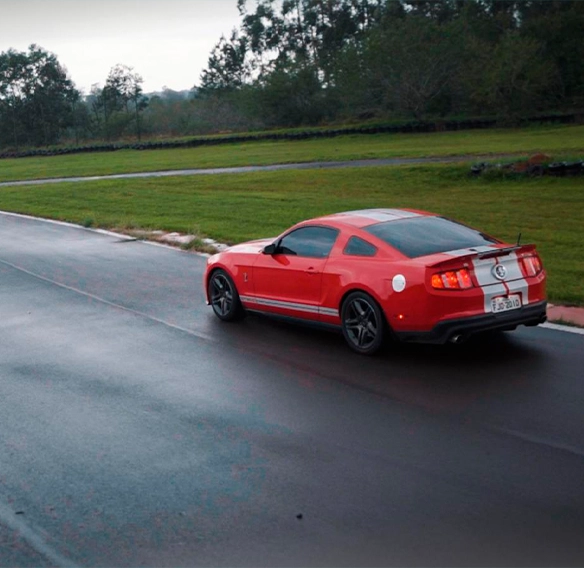
  • Fast n Furious – Clipping
  • Fast n Furious Edit 1
  • Fast n Furious Edit 2
  • Fast n Furious Edit 3
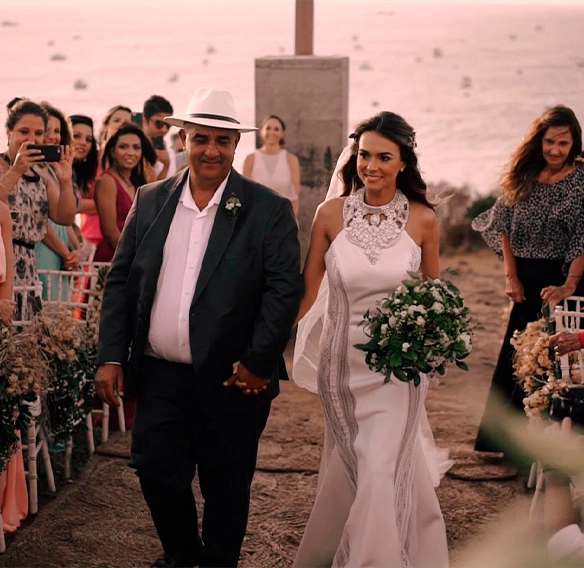
  • Weddings Edit
  • Food edit
  • Architecture edit
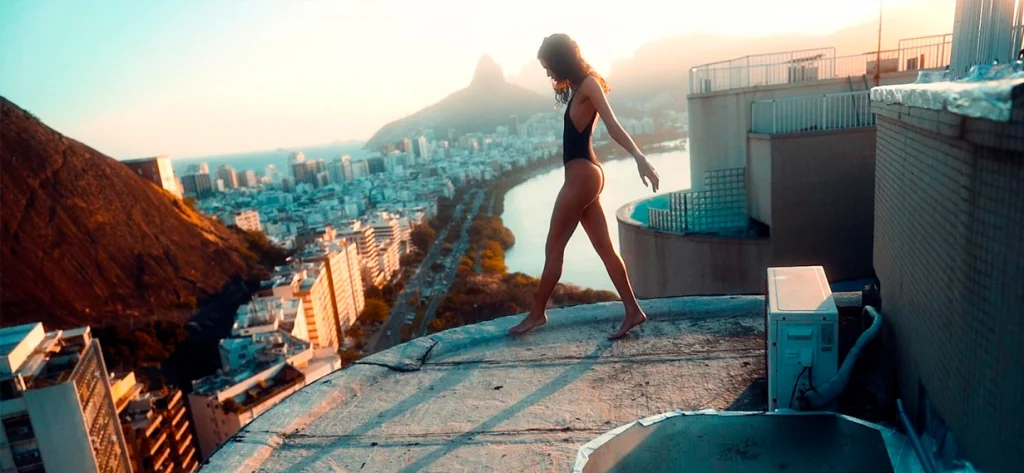
  • Drone Reels Edit
  • After Effects Texts
  • RotoBrush
  • Film Convert
  • Adobe Podcast
  • Animated Captions
  • Extra tools
  • Film Impact
  • Gamma fix – Export error
  • Mister Horse
  • How to use Proxies
  • Blackmagic RAW
  • REELS SAFE MARGIN GUIDE
  • Facebook Export
  • Instagram Export
  • TikTok Export
  • WhatsApp Export
  • YouTube & Vimeo Export

Who this course is for Is this course for me?

Absolutely. It’s designed both for hobbyists and professional work. Honestly, we believe mixing both is the most fun part

This course is for those who: Have zero editing experience, or want to upgrade their editing skills through hands-on exercises Installation, plugins, effects, exports, social media formats.

We teach everything.

Premiere Pro for beginners • Premiere Pro for beginners • Premiere Pro for beginners • Premiere Pro for beginners • Premiere Pro for beginners • Premiere Pro for beginners • Premiere Pro for beginners • Premiere Pro for beginners • Premiere Pro for beginners • Premiere Pro for beginners • Premiere Pro for beginners • Premiere Pro for beginners • Premiere Pro for beginners • Premiere Pro for beginners • Premiere Pro for beginners • Premiere Pro for beginners •

How the course worksHow does the course work?

The course is fully technical. Through guided lessons, we teach the exact methods we use to break down footage and build our films, along with creative insights.

After that, we explore different scenarios and real-world situations where these techniques are applied. If you have questions, you’ll have access to an exclusive support group (honestly, the best group in the world). Students who complete 100% of the course will receive an official Rabbit Films certificate.

Prerequisites What do you need to get started?

Willingness to learn

This is the most important part. Since we cover every step in detail, truly wanting to learn is all we ask.

Computer / Laptop

You can watch the course on any device, including your phone. To edit along with the lessons, you’ll need a computer or laptop with low to mid-level performance.

Premiere Pro

To follow and practice the lessons, Adobe Premiere Pro must be installed on your computer.

+23h

More than 23 hours of content

Recorded lessons

Full access to all recorded classes

2 years

2 years of full access

Bonus

VFX Masking & Tracking Bonus

The Name Behind Rabbits Who Will Be Your Instructor?

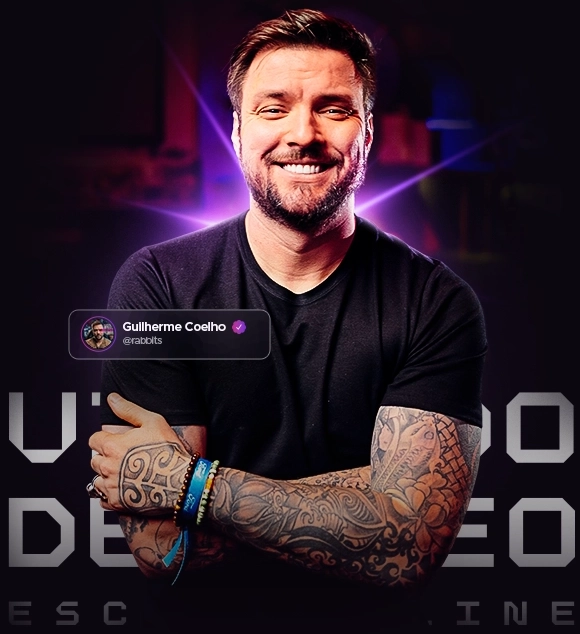
Guilherme Coelho "Rabbits" and Nicholas Hammond

With over 14 years of experience, boasting a portfolio of audiovisual production and post-production for global brands , this work is guided by the vision of creative director Guilherme Coelho.

FEEDBACKS What our students say

Jean

Course student

“Out of this world!!!”

Breno

Course student

“Man, without a doubt one of the best courses I’ve ever taken. The teaching method and Rabbits-level classes are definitely the difference.”

Joã

Course student

“An excellent course so far. I thought I knew how to edit from YouTube tutorials, but after the guided lessons I realized I knew nothing”

Go from zero to confidently editing professional-quality videos in Premiere Pro.

Build the skills and workflow you need to start creating professional projects and taking your first steps into paid editing work.

Guilherme Rabbits

2 years of accessStart Learning Today

From $380 Now only

$99

Secure checkout powered by Hotmart. Instant access after purchase

Zero risk for you!
7-day guarantee

Try the course risk-free for 7 days.


If for any reason you feel the course isn’t for you, just send us an email and we’ll refund 100% of your investment, no questions asked.

FAQ What payment methods are available?

You’ll get instant, full access to all course content immediately after your payment is confirmed.

Your login details will be sent straight to your email, along with clear step-by-step instructions on how to access the platform. Please make sure to use a valid email address when completing your purchase.

No experience required.

This course is built for absolute beginners, as well as for those who want to strengthen their fundamentals. We start from the ground up, including installing Adobe Premiere Pro, and progress toward professional-level workflows and techniques.


You’ll have access to an exclusive private Telegram community, where you can ask questions, share progress, and connect with instructors and fellow students.

We also provide technical support to help you optimize your computer setup and ensure a smooth editing experience throughout the course.

The course is taught entirely using Adobe Premiere Pro, which is required to follow the lessons and complete the exercises.

Once enrolled, you’ll receive 2 years of full access to the complete course.
This gives you the freedom to learn at your own pace, revisit lessons anytime, and practice the techniques as often as you like.

Yes. After completing 100% of the course, you’ll receive an official certificate of completion, which you can use to showcase your skills and strengthen your professional profile.

Talk to RabbitsNeed more help? Contact us by email: [email protected]